MW4 DMZ / FIELD NOTES
MW4 DMZ graphics: readable textures, cleaner shadows and FPS measured in a raid
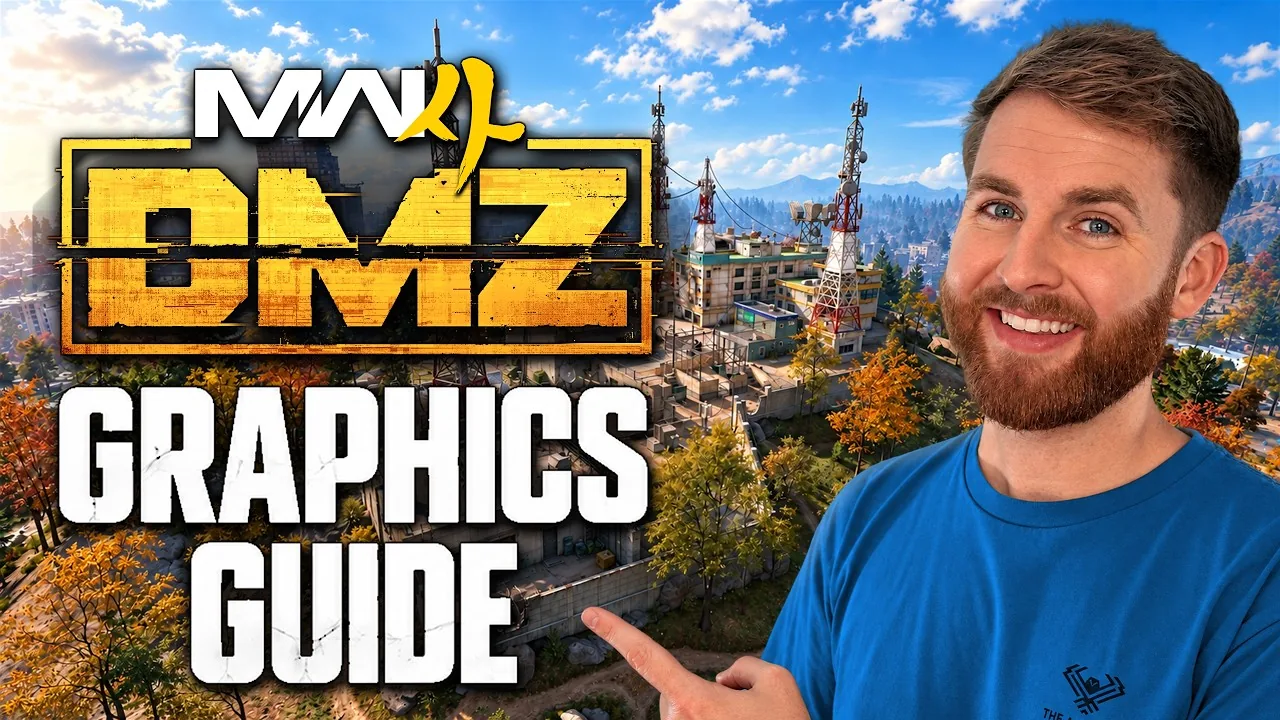
IceManIsaac starts with readable surfaces, then adjusts upscaling for acceptable performance. His high-end PC makes the method more useful than copying every number. These notes follow his commentary and auto-captions, not Wing Mait performance measurements.

Quick card
- Baseline
- Texture Resolution, Texture Filter and Shadow Quality: Normal
- Upscaling
- Compare DLSS Quality, then Balanced or Performance
- Competitive choice
- Creator runs ray tracing and frame generation off
- VRAM
- His target is 85; he suggests testing 80 or 75 for hitching
- Test location
- An actual raid, using a spare operator
Begin with the surfaces you need to read
At 1:41, Isaac raises textures and shadows to at least Normal because the lowest settings make loot surfaces muddy and shadows blocky. At 9:46 he includes Texture Filter at Normal. This is his clarity baseline, not proof that Normal is optimal on every GPU. Lower other details selectively while checking the things you actually need to see.
Use upscaling as the next comparison
At 8:14, he moves from DLSS Quality towards Balanced or Performance when he needs more frames. Compare the same view after each change, including distant targets and text. His praise for DLSS reflects his setup; it does not establish zero latency or lossless output on every machine.
Treat ray tracing and frame generation as choices
From 7:19, Isaac turns frame generation and ray tracing off for his competitive setup. He prioritizes responsiveness and headroom. It is not a measured universal verdict about every mode or GPU. This report makes no independent latency or image-quality claim and does not equate G-Sync with generated frames.
Measure in a raid, with a spare operator
At 4:27, he warns that FOB frame rate does not represent a live raid. He also describes losing a valuable operator after taking a free loadout into a test. A free kit does not make the operator disposable. Use a spare operator you can afford to lose when comparing settings in actual gameplay.
Watch CPU and GPU time
At 6:21, he enables CPU and GPU frame-time telemetry; at 11:35 he also lists FPS, ping and packet loss. These readings help distinguish rendering load from network problems. Record comparable raid conditions rather than treating one changing counter as a complete benchmark. His results from a 5090 and a 4K display are not a performance promise for your PC.
Try VRAM and view changes one at a time
At 10:50, his VRAM Target Scale is 85; he suggests comparing 80 or 75 if hitching appears. At 11:06, his view settings include FOV 120, Enhanced FOV off and ADS FOV Affected. Treat those as starting values to compare. A lower hitch count, clear target view and comfortable aiming matter more than matching his menu.
Keep the system-tuning section separate
The later video discusses Windows, driver profiles, ReBAR, configuration edits and a worker-count rule based on core count. We have not benchmarked those suggestions independently, so they are outside this report's recommended in-game baseline. At 16:31 Isaac recommends backing up the configuration first. No downloadable configuration, guaranteed FPS gain or anti-cheat clearance is offered here.
What we're unsure of
The reviewed captions do not provide a controlled comparison across GPUs, resolutions, driver versions and raid scenes. We cannot establish which combination maximizes your frame rate or which optional system change helps your machine. Check the setting names and available options in the current build, preserve your starting settings and compare changes individually.
Source briefing and Wing Mait
Credit: IceManIsaac, "Ultimate MW4 & DMZ Graphics Guide - FPS, Visibility, & Quality". These notes summarize his commentary and auto-captions, not a frame-by-frame audit. Legible HUD text is relevant to screen-reading assistance, but Wing Mait support for MW4 DMZ is still in development. No current recognition or callout performance is claimed.
SOURCE BRIEFING
Source video from IceManIsaacUltimate MW4 & DMZ Graphics Guide - FPS, Visibility, & Quality
Watch on YouTubePlaying loads YouTube. Choose captions in the player settings. Credit and thanks to the creator.
Related field notes
 MW4 DMZ22 Oct 2026Solo lieutenant hunts and lootTheSpazo's solo lieutenant run: locate the target, clear space to fight, take the loot and escape with the tag.FIELD NOTE 32
 MW4 DMZ22 Oct 2026Dynamic Ops cash and XP loopFollow a Dynamic Ops objective chain, take useful drops, and leave before the extra loot becomes a lost run.FIELD NOTE 33
 MW4 DMZ21 Oct 2026Chang-san loot route, 3 buildingsB-Man's under-ten-minute MW4 DMZ loot run, pinned on our Hajin map: the Operation Iron Citadel spawn, the wall gap, three loot blocks and the exfil, with the recipes it paid out.
Sources
Numbers and mechanics on this page are paraphrased from:
Wing Mait is an independent project, not affiliated with or endorsed by Activision. Wing Mait for MW4 DMZ is in development and has not been released.