WARDOGS / FIELD NOTES
Best settings for visuals: seeing enemies before they see you
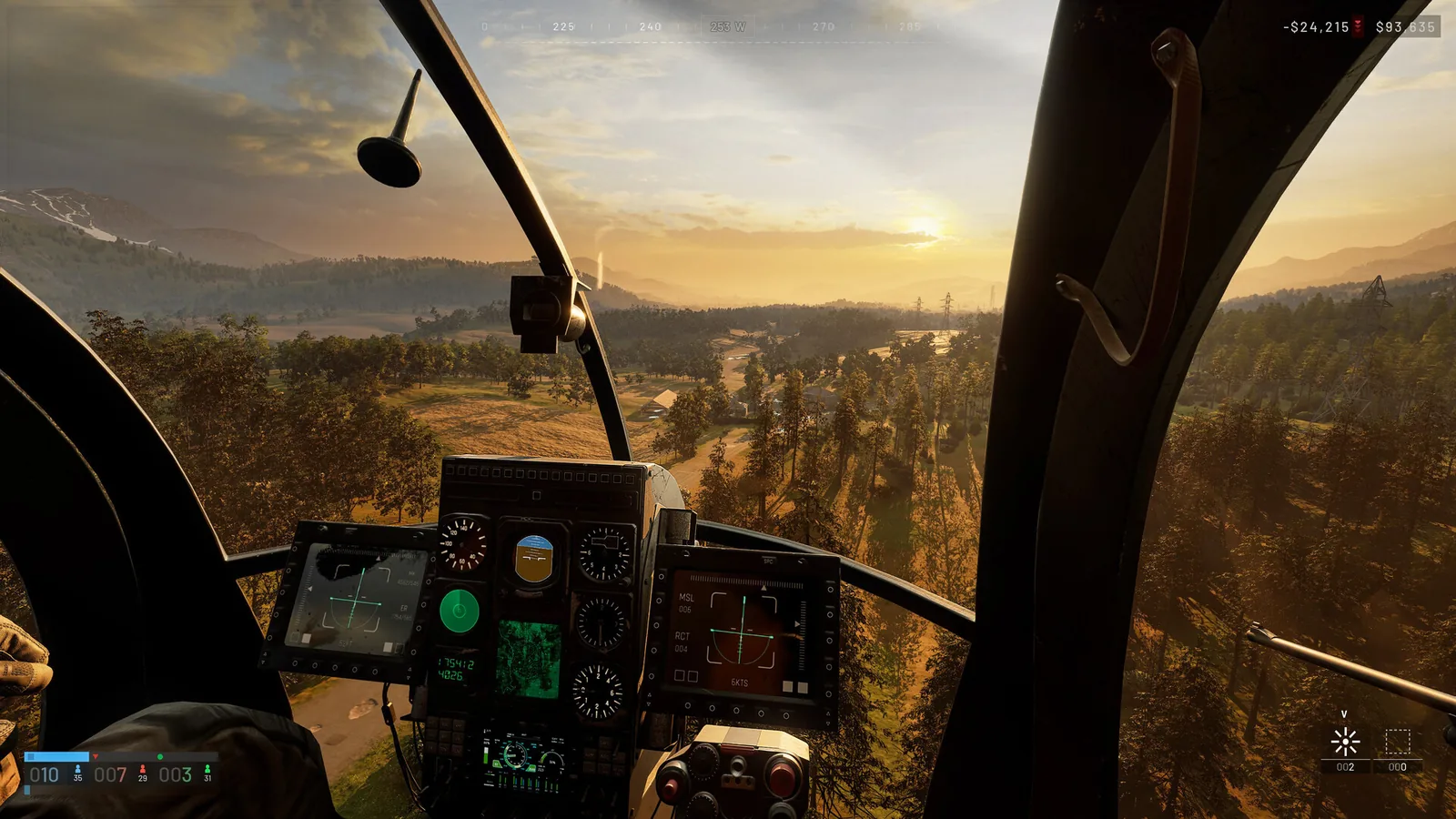
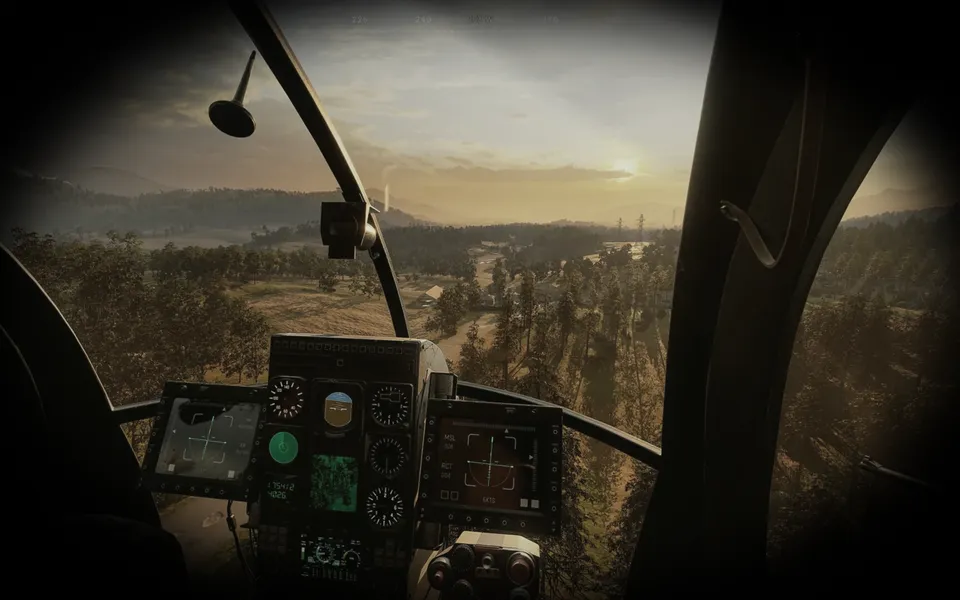
This is not a frame rate guide. Every setting below is picked for one thing only, spotting a WARDOGS player before they spot you, and two of them are counter-intuitive enough that dropping everything to the lowest setting actually costs you visibility.
Quick card
- Mesh detail
- High
- View distance
- High
- Shading
- Low, not Potato
- Post processing
- Low, not Potato
- Reflections, particles, effects, world
- Potato
- Character and texture streaming
- Low, not Potato
Mesh detail and view distance: both stay on High
SwoleBenji, a long-time player who tests these settings for his own scrapbook as much as for viewers, frontloads the two easiest calls first. Low or medium mesh detail lets distant cover stretch and merge into the terrain, so a player's outline blends into a rock or a wall instead of standing apart from it. High mesh keeps every edge crisp, which also stops the flicker of objects changing shape as you close the distance, a flicker your brain otherwise reads as movement. View distance follows the same logic from the other direction: on WARDOGS' large maps, a player rendered at Low view distance simply is not on your screen yet when an enemy at High can already see and shoot you.
Shading and post processing: Low, never Potato
Both of these hide a trap. Dropping shading or post processing all the way to Potato triggers an exposure bug in Unreal Engine 5 that blows out skyboxes, roads and open ground into a blinding white wash, which hides enemies rather than revealing them. Low avoids the bug, restores contrast, and keeps shadows visible, including the shadow of someone peeking a doorway or a rooftop before you can see the rest of them. Post processing at High brings back the opposite problem: motion blur and depth of field smear a fast-panning camera, which is exactly what you are doing every time you scan 180 degrees for contacts, so High costs you the same visibility Potato does, just in a different way.
Reflections, particles, effects and world: all the way to Potato
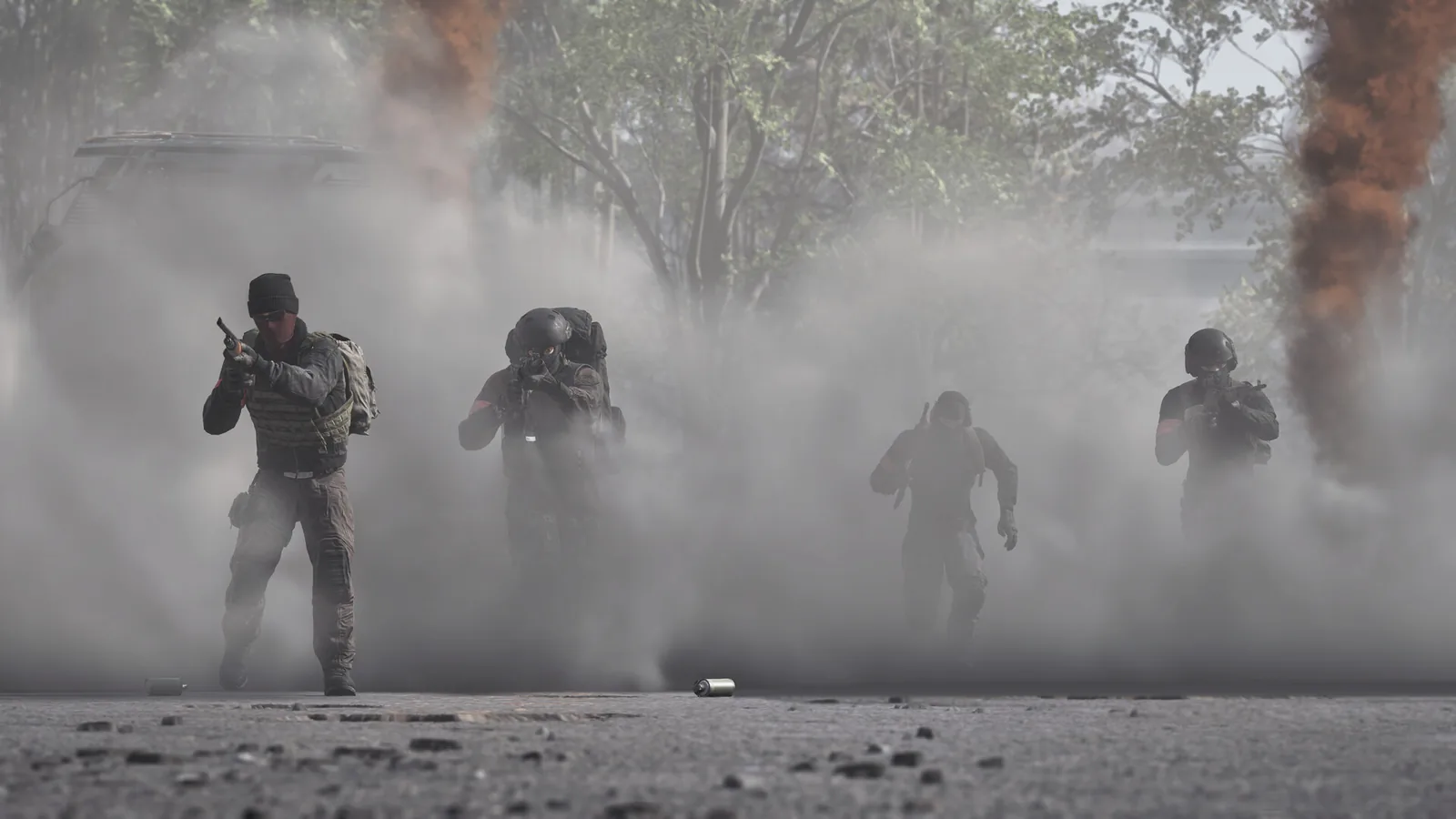
This group is the one place lowest really is best. High reflections put glare and glint on puddles, glass and scope lenses that can mask movement or blind you outright, and Potato flattens all of it into a dead, static surface. Particle spawn rate and effects on Potato thin out the smoke, dust and muzzle flash from explosions and gunfire fast enough that you are not staring at a wall of grey when it matters. The world setting on Potato strips fog, haze and the thousands of small ground details that a mind otherwise has to filter through, so a moving player breaks the empty landscape instead of hiding inside its clutter.
Character and texture streaming: Low is the actual sweet spot
Character detail dropped to Potato melts armour and helmets into low-poly blobs and strips the rim-light effect that helps a player stand out in dark interiors, while High renders enough fabric and gear detail to help camouflage blend in. Low sits between the two: flat, high-contrast colour blocks with the model's shape kept intact, which is the easiest silhouette to pick out. Texture streaming works the same way from a different angle, Potato causes a brief claymation-style blur on fast-moving targets as textures catch up, High can stutter the engine loading destructible terrain at speed, and Low is the setting that loads a player model instantly and cleanly the moment they cross into view.
Colour calibration, RTX extras and audio
Outside the in-game menu, Windows' own display colour calibration wizard (search 'color calibration' from the Start menu) and, for Nvidia cards, brightness around 60 percent, contrast 50, gamma 1.25 and digital vibrance 70 in the Nvidia Control Panel both brighten washed-out scenes without touching in-game settings. RTX owners should turn Nvidia Reflex on, but skip the Boost option, since Boost keeps the GPU running flat out and introduces stutter rather than removing it; DLSS set to Quality is a reasonable anti-aliasing choice on capable cards. If footsteps or helicopters feel wrong in direction rather than volume, try disabling 3D Spatial Audio, since it is the fix that solved the problem on cheaper headphones and older audio hardware for the source creator.
SOURCE BRIEFING
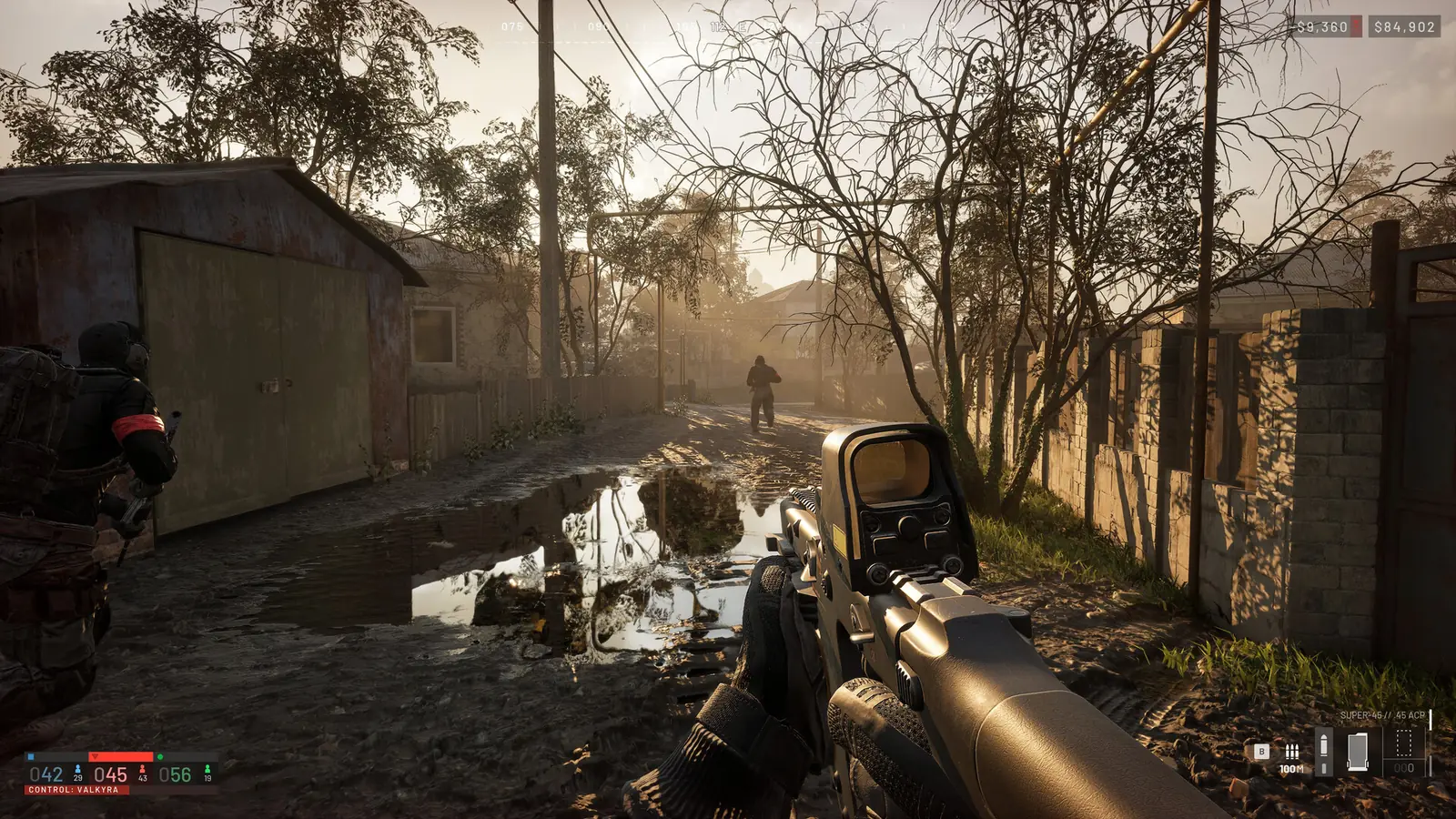
Source video from SwoleBenjiWardogs The BEST Settings to SEE Enemies EASIER
Watch on YouTubePlaying loads YouTube. Choose captions in the player settings. Credit and thanks to the creator.
Related field notes
 WARDOGS10 Sep 2026Weapons and loadoutsCompare the free starter rifles, the T-21 value case and weapon traits that affect handling, then follow the guide to rebuy your last loadout mid-match.FIELD NOTE 31
 WARDOGS10 Sep 2026AttachmentsCompare grips, optics and muzzles by handling costs, including ADS speed, recoil control, shotgun choke and when a practice test can help.FIELD NOTE 32
 WARDOGS10 Sep 2026Kit disciplinePlan a kit before spawning: check backpack space, loose ammunition, weight class, armour, rig and quick slots, then use the minimap and buy screen deliberately.
Sources
Numbers and mechanics on this page are paraphrased from:
Wing Mait is an independent project, not affiliated with or endorsed by WARDOGS or its publisher.