WARDOGS / FIELD NOTES
Tower capture and code guide
Towers are the one fixed objective on an otherwise moving Control Zone. Hold enough of them and you can drag the Hot Zone to wherever your team has built up.
Quick card
- Capture location
- One floor above the entry point, main console
- Interact key
- Hold F (default)
- Reward per tower
- One digit of the activation code
- Powerplay
- Hot Zone Magnet, pulls the Hot Zone to an activated tower
- Player-built option
- Drill Site, fuels to 6000 / 6000
- Maps confirmed with towers
- Bakurani, Ozeti
Capturing a tower, step by step
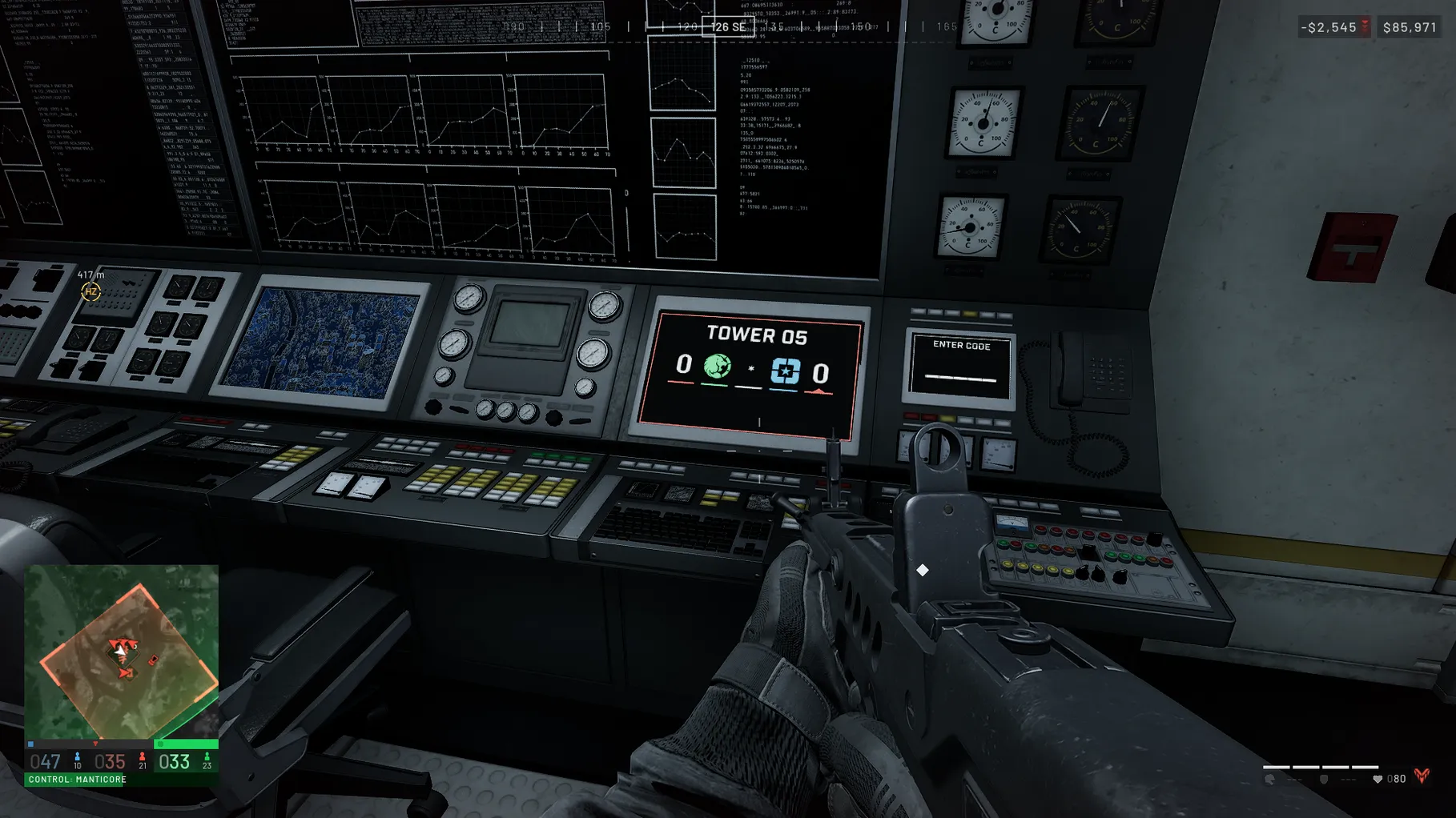
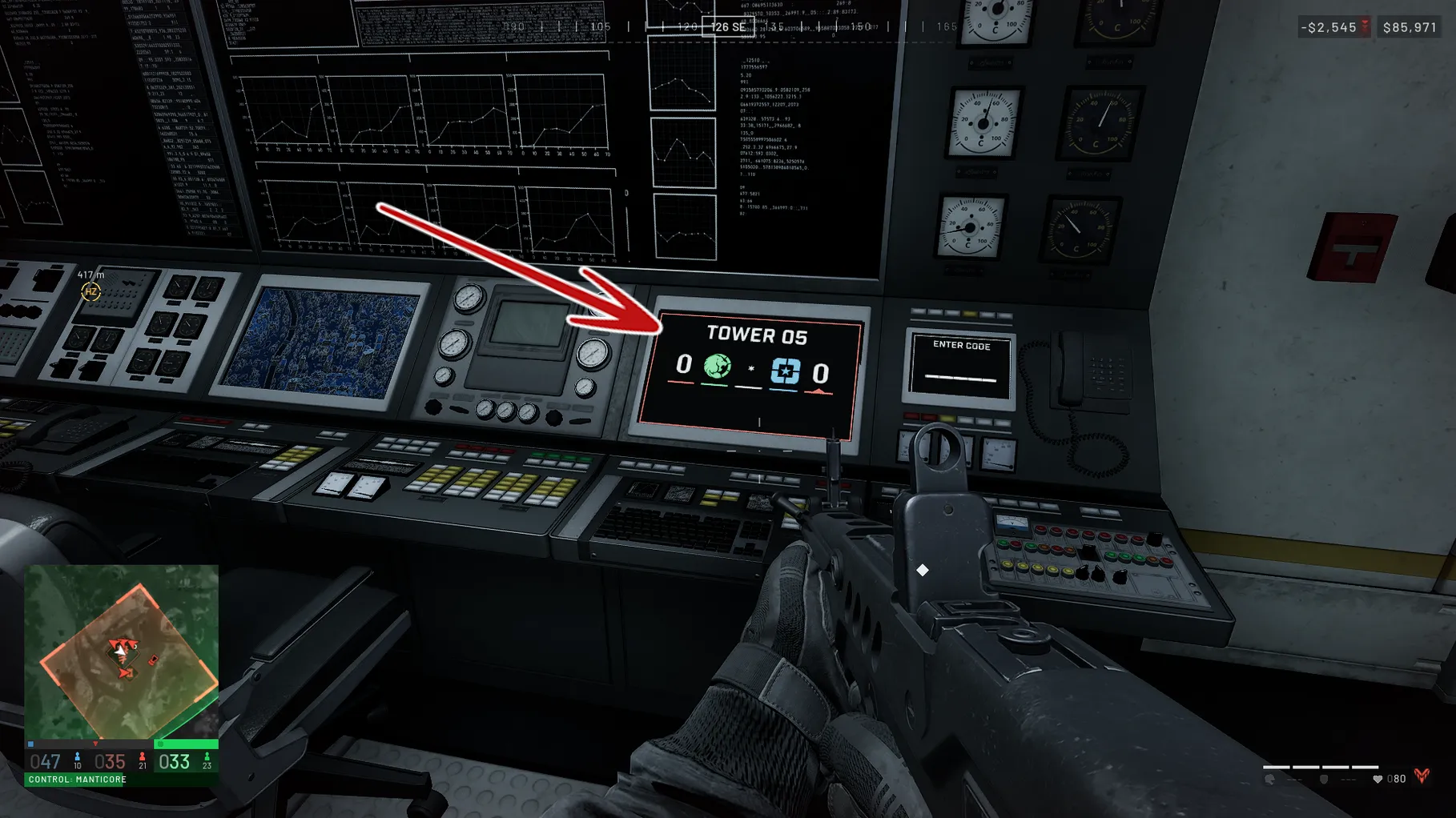
Clear the tower, head up one floor above the entry point to the operations room, and hold the interact key at the main console while a progress bar fills. Once it completes, the tower flips to your faction's colour and the console reveals a single digit of a match-wide activation code, visible to anyone who later controls that tower. A tower on cooldown cannot be recaptured yet; check the cooldown by hovering the tower icon on the map or reading the console inside.
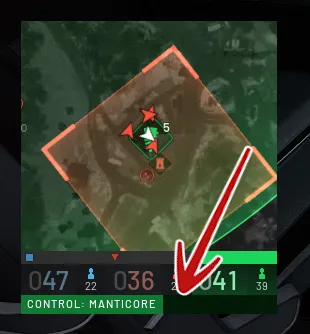
The Hot Zone Magnet powerplay
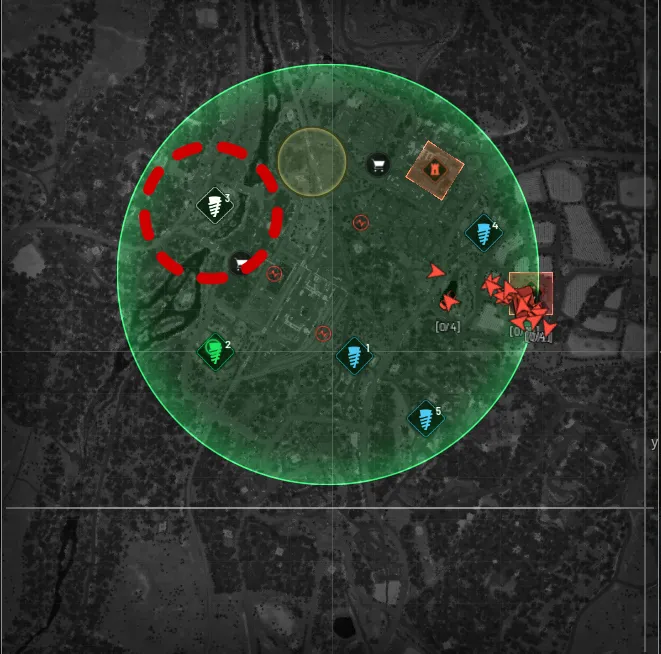
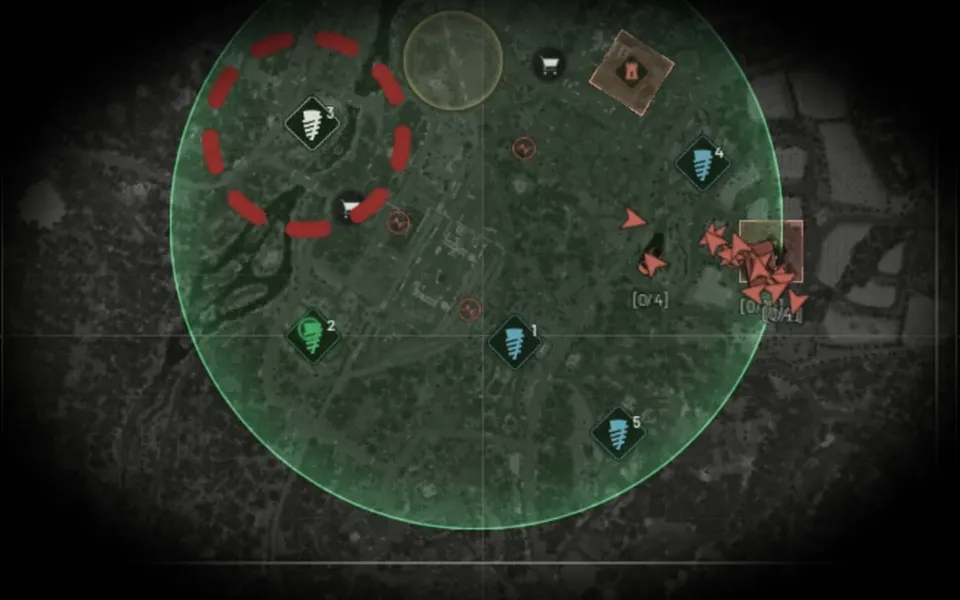
Collect every tower's digit and you can punch the full code into any console your faction controls to trigger the Hot Zone Magnet: the Hot Zone stops wherever it currently sits and starts moving toward the activated tower, visible on the map as dashed lines leading to it. That gives a team time to build a defensible position around the tower before the zone actually arrives, which is the entire point of chasing the code in the first place.
Drill Sites: a player-built alternative
Players can also build a Drill Site on a faction-owned forward operating base. Fuel it to its 6000 / 6000 maximum and it can trigger the same Hot Zone pull as a fully coded tower set, which means a team that never finishes the tower code can still manufacture a Hot Zone Magnet on its own terms.
Related field notes
 WARDOGS10 Sep 2026The spawn APCLearn the 20 point APC unlock, how parking provides forward respawns, and how repair, smoke and the exposed antenna shape its use and vulnerability.FIELD NOTE 38
 WARDOGS10 Oct 2026Vehicle huntingSwap the Level 4 plate for a Humvee: scout in third person, pick off the loners, loot, relocate. The wrench and free Kodiak route for wipe day.FIELD NOTE 39
 WARDOGS10 Sep 2026Helicopter flightPractice helicopter controls in a staged range drill: separate climb, yaw and tilt, build stable takeoffs, then review risks and ways aircraft get shot down.
Sources
Numbers and mechanics on this page are paraphrased from:
Wing Mait is an independent project, not affiliated with or endorsed by WARDOGS or its publisher.