WARDOGS / FIELD NOTES
Wing Mait setup: callouts without OBS
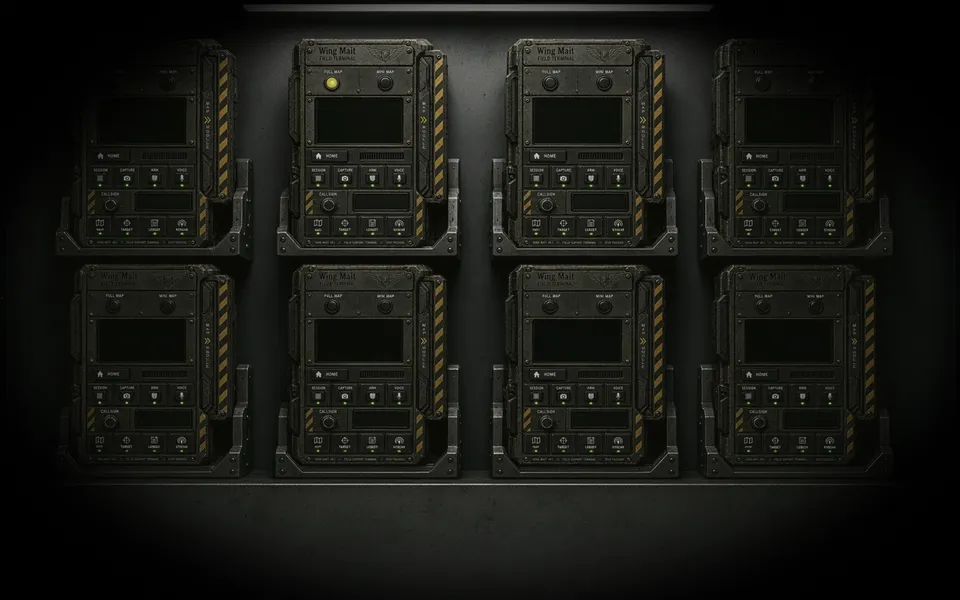
Wing Mait reads the visible WARDOGS window directly. You do not need to open OBS, record, stream, or watch a preview to receive callouts.
Quick card
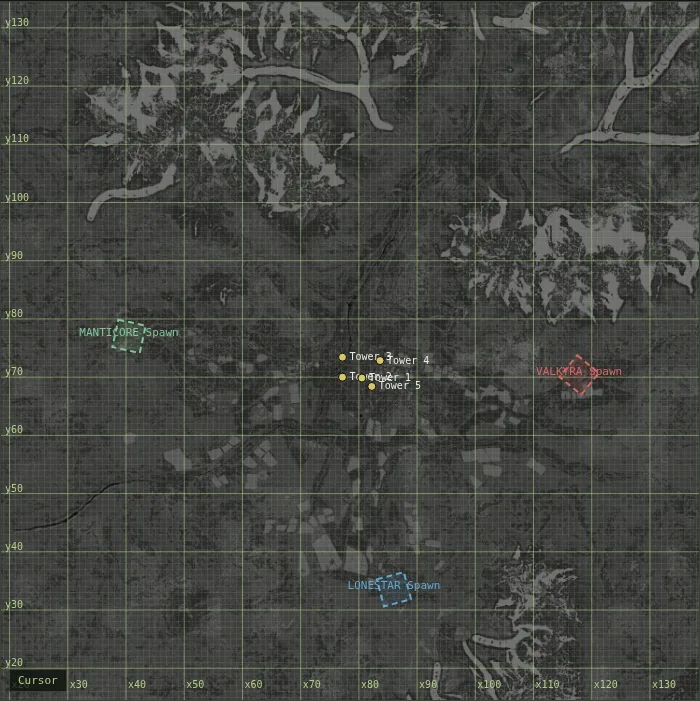
- OBS required
- No
- Recommended capture
- Auto (WGC, then GDI fallback)
- Before ARM
- WARDOGS running and minimap mode matched
- OBS use
- Optional streaming overlays only
What Wing Mait reads
Wing Mait finds the running WARDOGS window and reads its visible pixels with Windows Graphics Capture. If WGC is unavailable and Capture backend is set to Auto, it falls back to GDI screen capture. It does not need OBS as an intermediary. It does not read game memory, inject code, hook the renderer, modify game files, or send input to the game.
Start callouts step by step
1. Start WARDOGS. 2. Launch Wing Mait. 3. Open Settings and leave Capture backend on Auto unless troubleshooting requires WGC or GDI explicitly. 4. Match Wing Mait's minimap setting to WARDOGS: Fixed when terrain stays north-up, or Follow when the player chevron stays screen-up. 5. Choose a voice and confirm its output device. 6. Return to the device face and select ARM. Keep WARDOGS running and capturable while Wing Mait is armed.
OBS is optional
You do not need to launch OBS, enable the OBS WebSocket server, record, stream, or watch OBS for Wing Mait callouts. If you stream, you may add Wing Mait's local overlay, intel ticker, or scoreboard URLs as OBS Browser Sources. Browser Sources do not require OBS WebSocket. Wing Mait's callout capture continues to come from the WARDOGS window, not from the OBS preview or program output.
If Wing Mait cannot see the game
Confirm WARDOGS is running, Wing Mait is ARM-ed, the licence is active, and the game window is available to Windows capture. Leave Capture backend on Auto first. If Auto reports a capture error, try WGC and then GDI in Settings. OBS will not repair a missing game window because it is not part of the callout capture path.
Related field notes
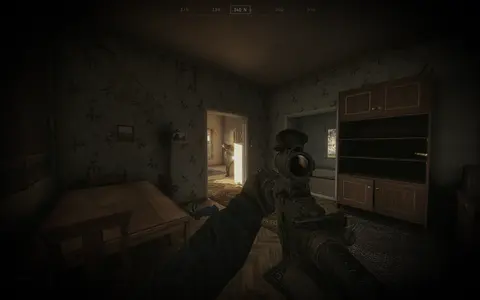 WARDOGS26 Sep 2026Castle Without BordersBravo 4 makes the castle case for building a FOB keep first, then outhouses and small cells, with the perimeter last, backed by prior art and library plans.FIELD NOTE 46
 WARDOGS5 Oct 2026Stingray drone guideBuild the Stingray launcher, fly the drone without crashing it, wait for the red lock, and learn the APC's separate radar hitbox before you waste $5,000 finding out the hard way.FIELD NOTE 47
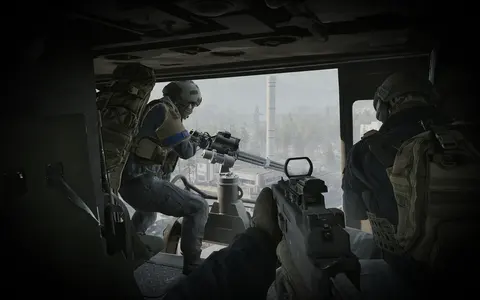 WARDOGS28 Sep 2026Vehicle weak spotsWhere to aim on buggies, trucks, the L2A6 and the SPH-2 artillery tank, and what actually kills each one fastest.
Wing Mait is an independent project, not affiliated with or endorsed by WARDOGS or its publisher.